 CAP
Get started
Demos
Three live doors. Each one shows a different job: a stay, a purchase, and a company site. The directory lists every site that passes the check. These three are a place to start.
CAP does not require Cosmic, or any other vendor.
A public catalog of homes, then a guest login for one person's stay.
PurchaseSWSHA server-side bag, a confirm step, and payment on the site.
CompanyCosmicAnswers from the product and the docs, on the company's own site.
Marlow
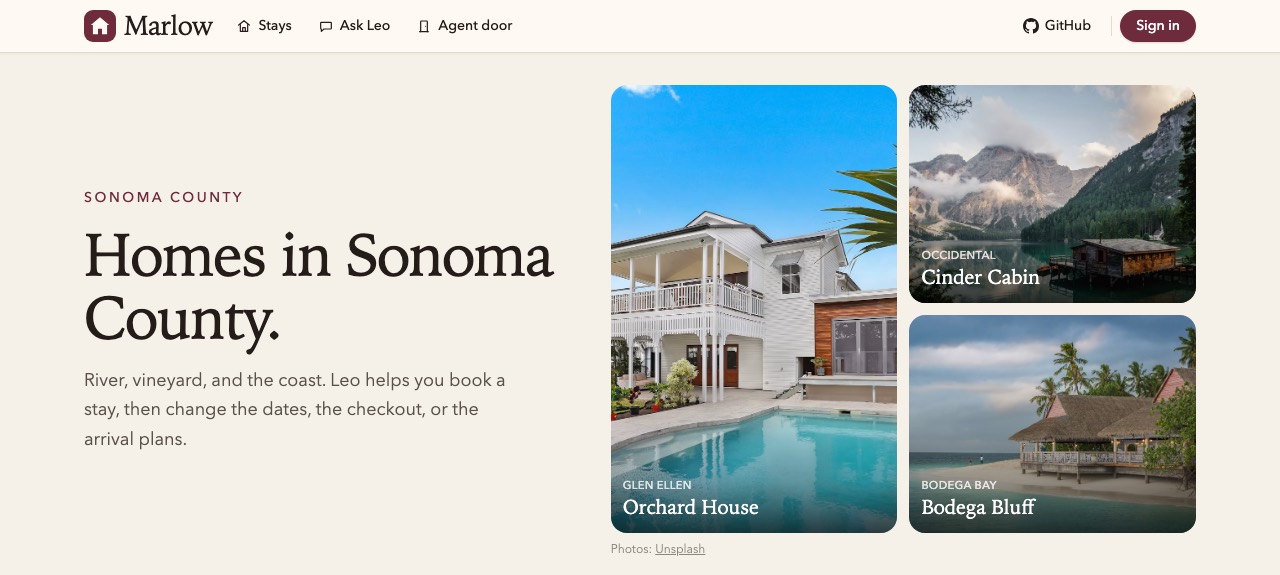
Marlow is a vacation-rental site. A public question is answered from the catalog. A question about one guest's stay waits for that guest to log in. Bookings are simulated.
Ask on the site, or send the same question through the door:
- What stays are available?
- Four people, Sonoma, three nights: two bedrooms, a hot tub, under $1,200.
- Sign in as
maya/maya, then ask: What are my arrival instructions?
A change, such as extending the stay or cancelling, waits for the guest to approve it.
Open the site · Check this door · Source
SWSH
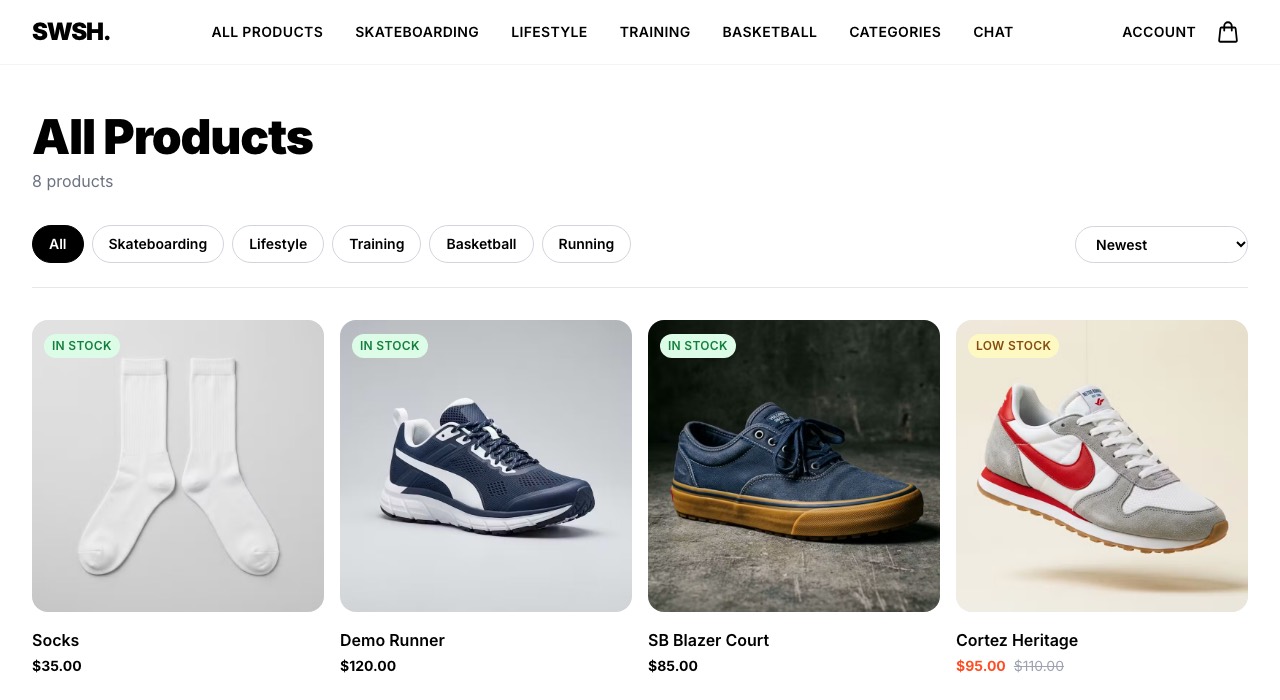
SWSH is a store. The bag is stored on the server, so the shopper's browser and their agent change the same bag. Checkout does not charge by itself. The door returns a confirmation, the shopper pays on the site through Stripe, and the agent reads the order number when payment finishes.
- What shoes do you have?
- Sign in and allow changes, then ask: Add the Pegasus 41 in size 10 to my bag.
- Check out.
Open the site · Check this door · Source
Cosmic
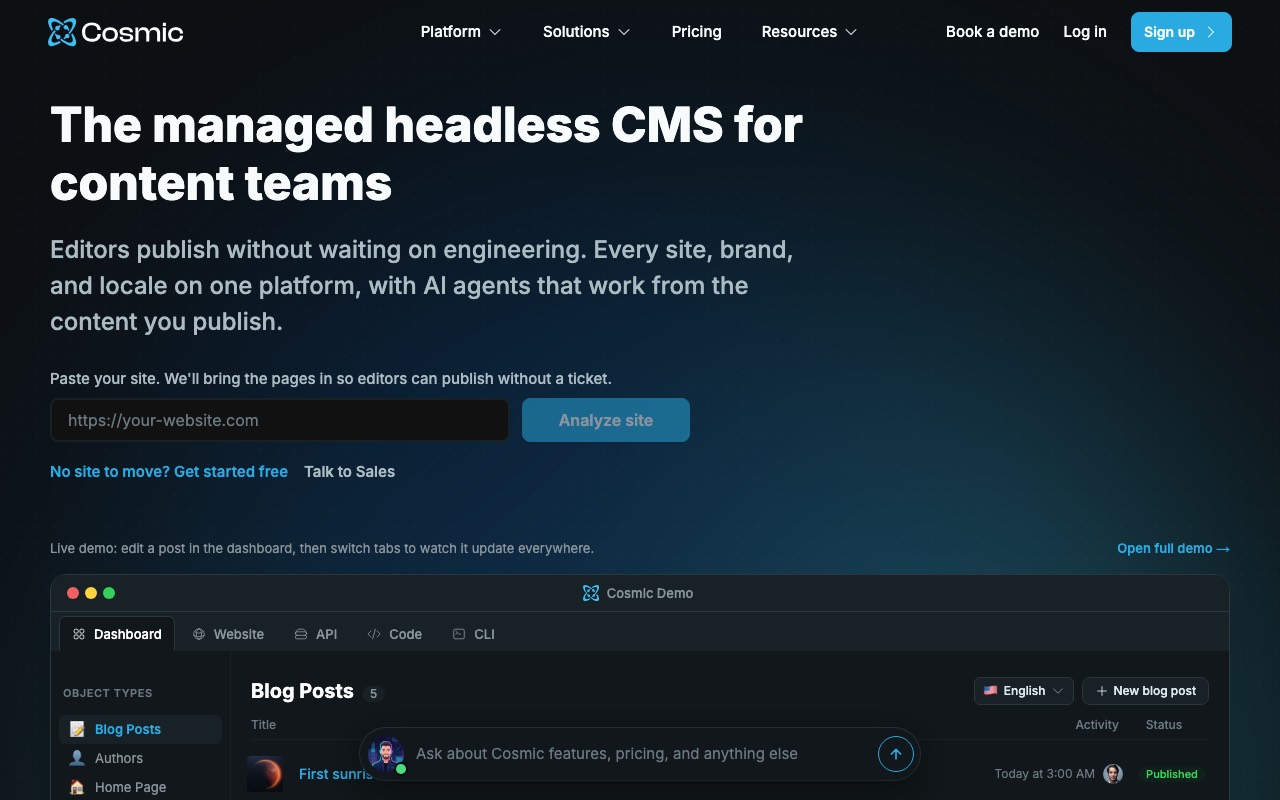
Cosmic is the company site. Ask about the product, the docs, or a plan. A question about an account asks you to log in.
- What is a bucket?
- How do I add a CAP door to a site?
Open the site · Check this door
Run a door yourself
The store example is the same path on your machine: a public product question, a login, and an order. The Next.js example is the door as a route in an app.